
Choosing tests and profiles
Find tests by name or code, add them to the order and confirm it.
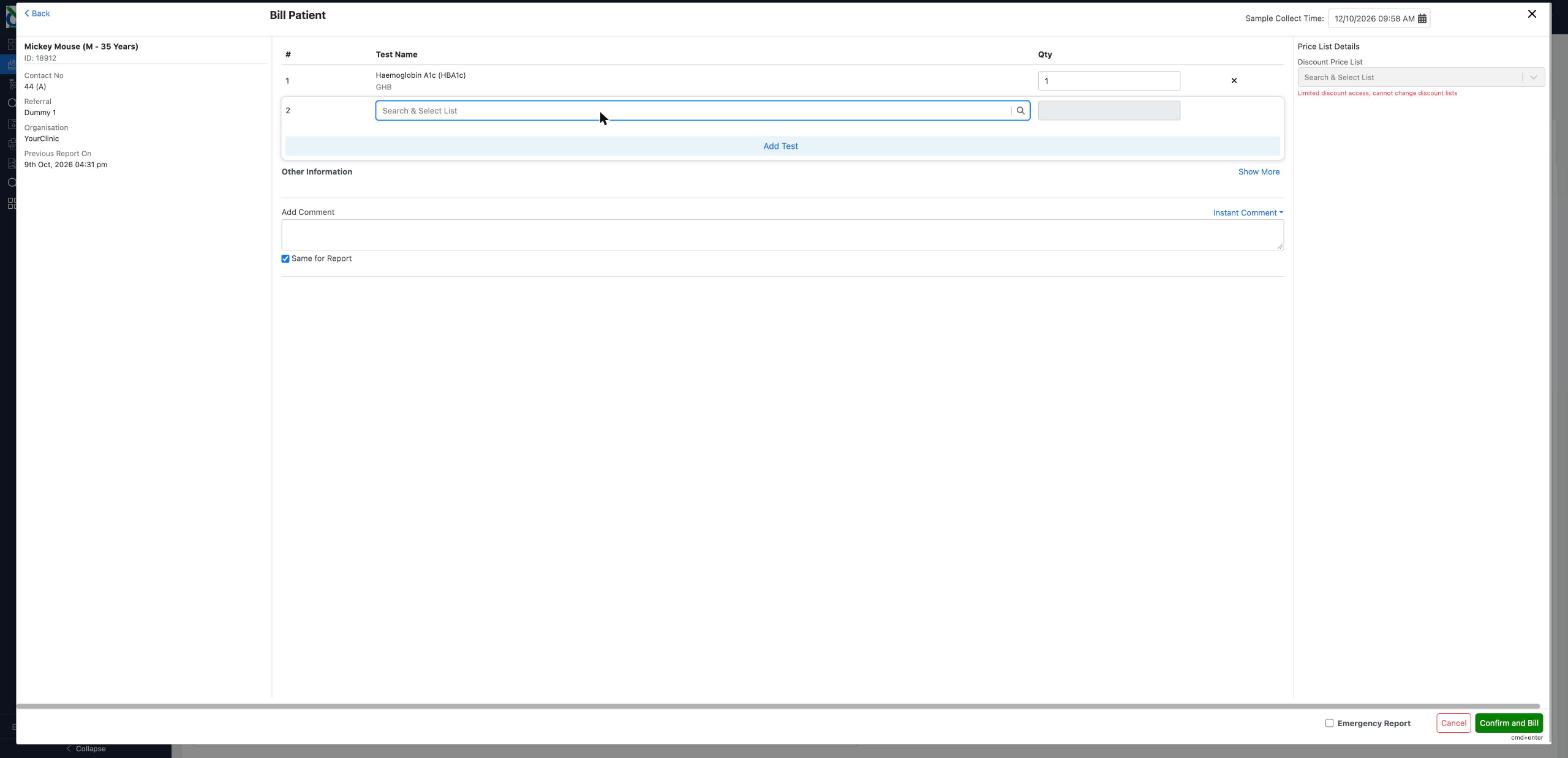
After you select Register And Bill, the Bill Patient screen opens with your patient's details on the left.
Add tests
- In the Test Name box, type part of the test's name or its code, for example
full blood,ferritinorFBC. - Select the test from the list. Each one shows its code in brackets.
- Select Add Test. The test is added to the order and a new search box appears for the next one.
- Repeat for each test. To remove a test, select the × at the end of its row.
Looking tests up
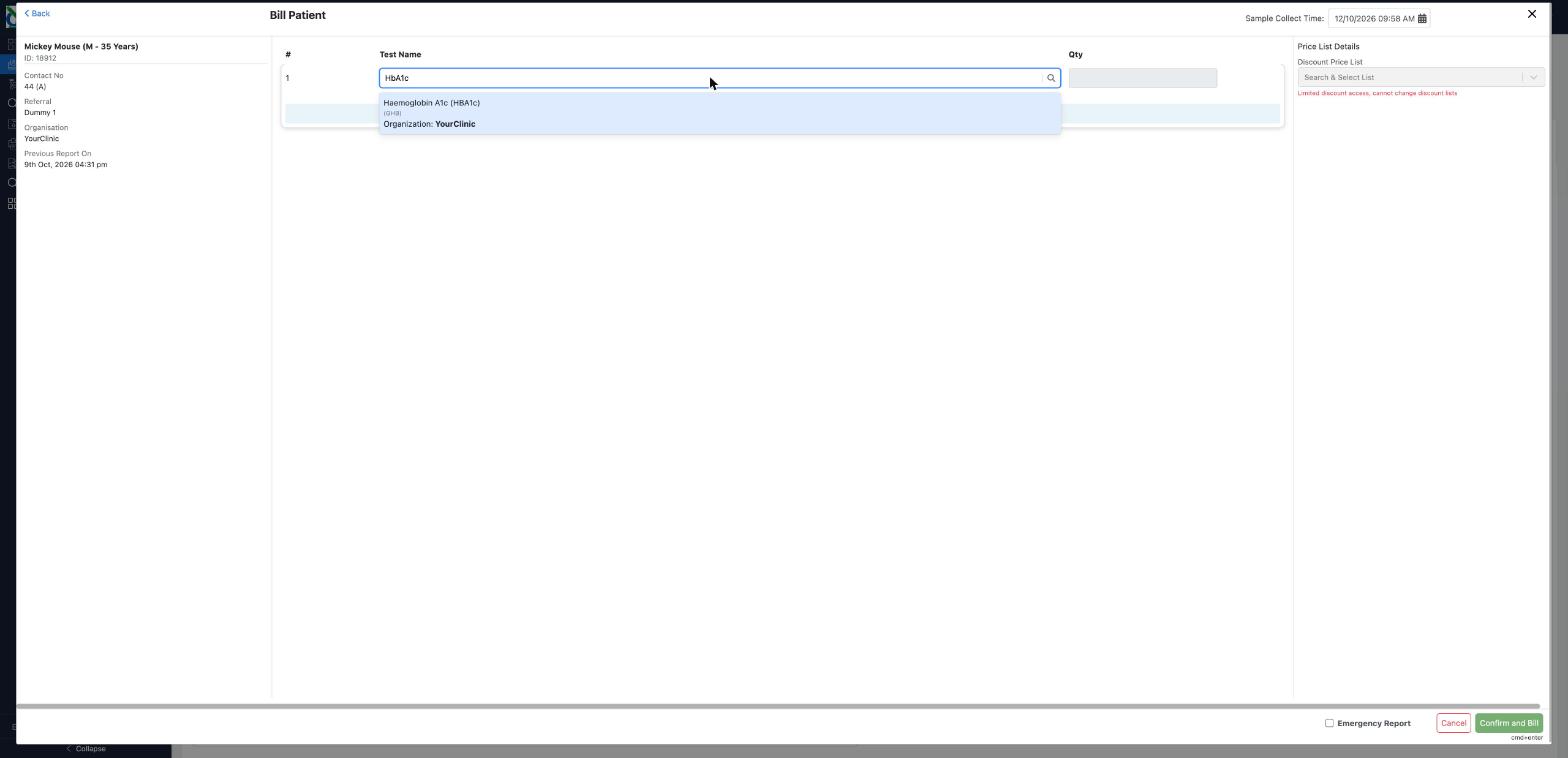
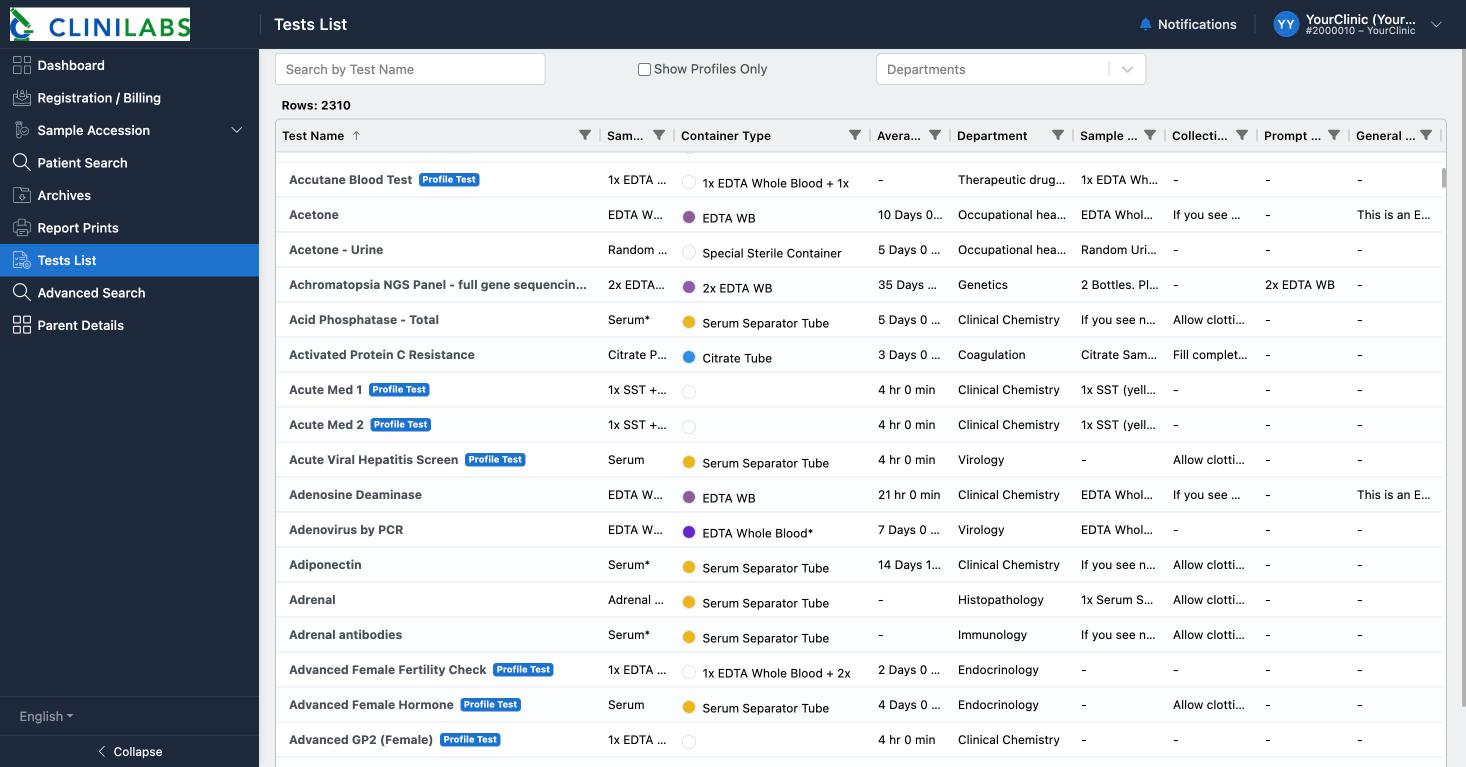
Tests List in the menu lists every test we offer, with the sample and tube it needs, its usual turnaround time and any collection instructions. Select the Test Name heading to sort A to Z, search by name, tick Show Profiles Only to see profiles, or filter by department. Export To Excel and Print Test List give you a copy to keep.
Profiles
A profile is a set of tests ordered together, for example a hormone panel. Search for it and add it just like a single test. Profiles are quicker to order and usually better value.
Before you confirm
- Sample Collect Time (top right) is filled in with the current time. Change it if the samples were or will be taken at a different time.
- Tick Emergency Report for urgent requests. See Packaging samples for urgent samples.
- Use Add Comment for anything we should know about the request.
Then select Confirm and Bill. The order is placed and its Bill Receipt opens, where you can collect the samples and print their labels. See Printing barcodes and request forms.
Prices
Prices aren't shown on this screen. Your clinic's agreed prices are on your invoices. If you'd like a price list, contact us.